AOverview & Access
A
ACE-Lab
Platform overview
What is the ACE-Lab?
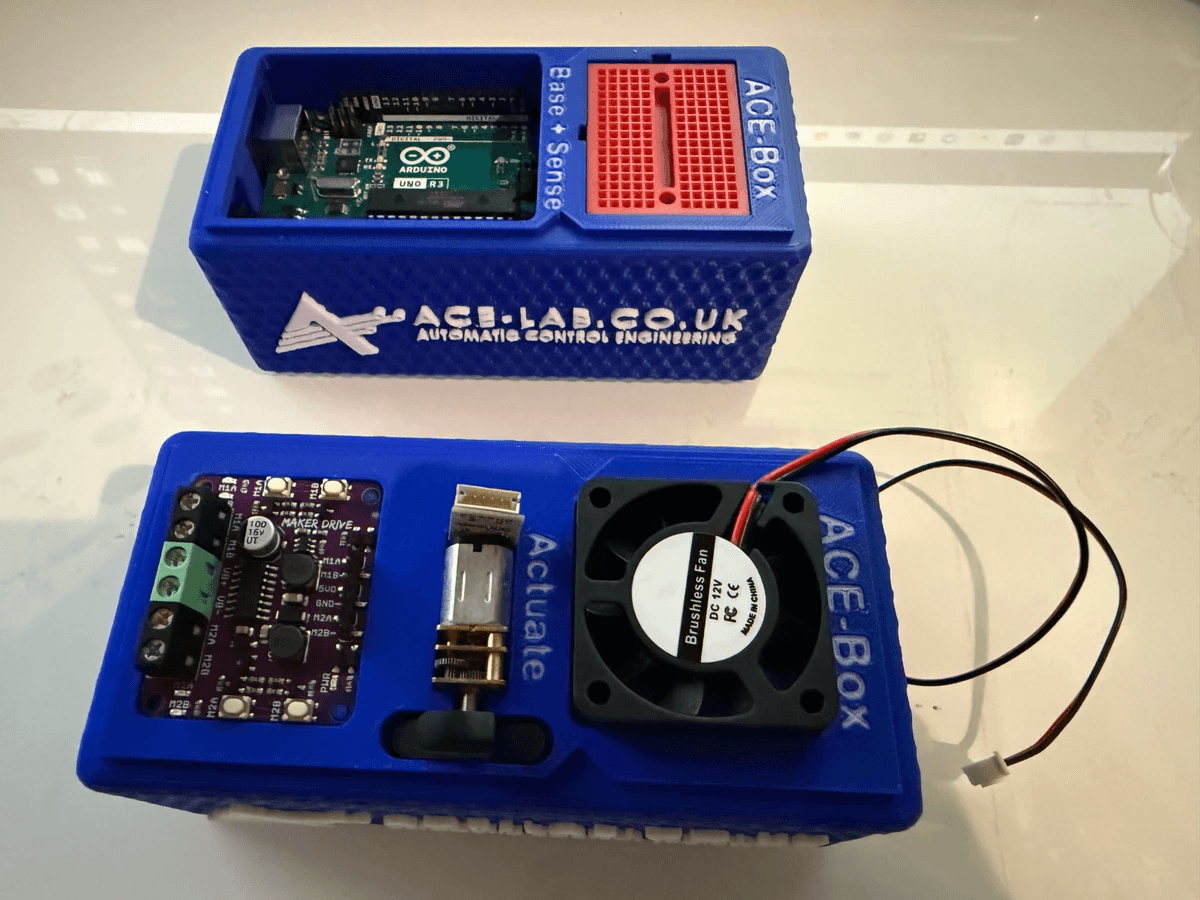
Understand how the ACE-Lab is structured (Base+Sense and Actuate), why it is portable and practical for teaching and learning, and how it supports control engineering workflows in MATLAB & Simulink.
A
ACE-Lab Hardware
Build your own
Build an ACE-Lab
Want to use the hardware-based exercises? Visit the Build an ACE-Lab page for the components and guidance needed to assemble your own ACE-Lab for teaching, training, or project work.
SInstalling and Setting up MATLAB and Simulink
S

Installing and Setting up MATLAB and Simulink
Estimated time: 0.5 hours
Install MATLAB and Simulink
Install and verify MATLAB/Simulink for ACE-Lab labs, including licensing and key toolboxes.
S
Installing and Setting up MATLAB and Simulink
Estimated time: 0.5 hours
Install Simulink Code Generation
Install the Arduino support package so you can generate code and deploy Simulink models to hardware.
PPreliminary Learning
P
Preliminary Learning
Estimated time: 2 hours
MATLAB OnRamp
Build core MATLAB skills for engineering work: commands, scripts, arrays, plotting, and basic programming.
P
Preliminary Learning
Estimated time: 2 hours
Simulink OnRamp
Learn Simulink basics for model-based workflows: blocks, signals, scopes, and simulation.
P
Preliminary Learning
Estimated time: 1 hour
Additional Exercises
Quick refreshers on the MATLAB/Simulink interface to speed up your workflow.
PPreliminary Labs involving the ACE-Lab (Base + Sense)
P1
Base + Sense
Estimated time: 0.5 hour
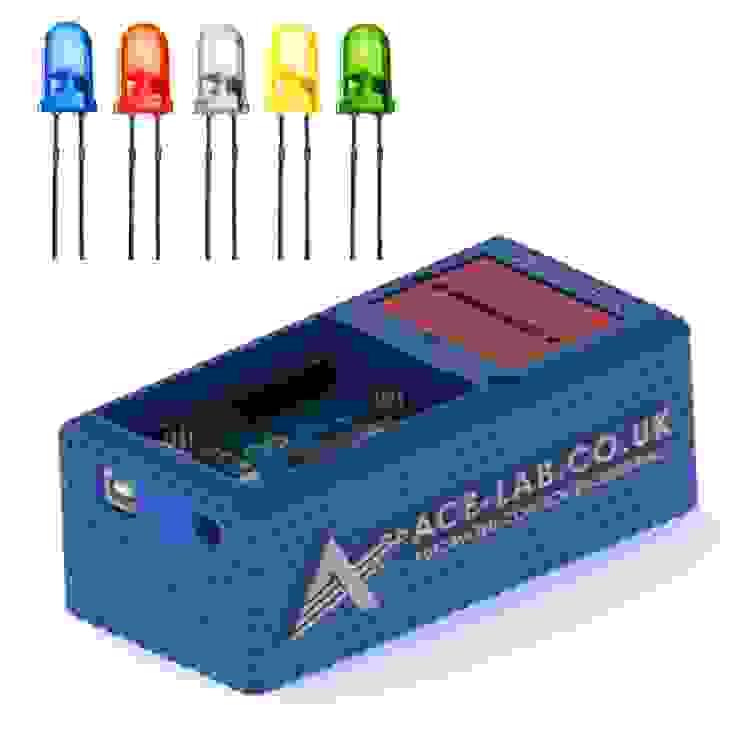
LED (Digital)
Create a simple Simulink model to switch an LED on/off via a digital output and deploy it to Arduino.
P2
Base + Sense
Estimated time: 0.5 hour
LED (PWM)
Adjust LED brightness by generating a PWM signal in Simulink and deploying it to Arduino.
P3
Base + Sense
Estimated time: 0.5 hour
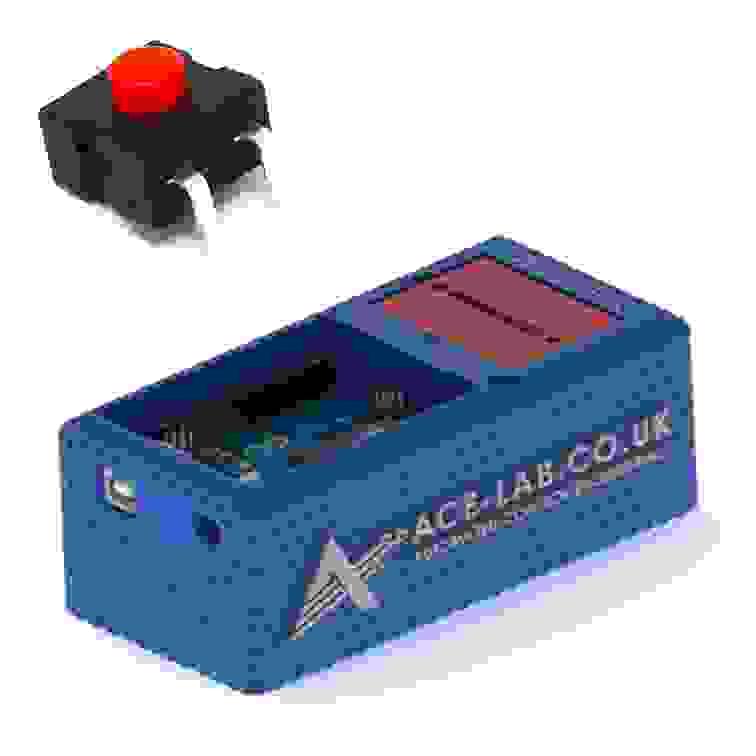
On/Off Power Switch
Add a physical on/off switch and verify reliable switching behaviour in the circuit and Simulink workflow.
P4
Base + Sense
Estimated time: 0.5 hour
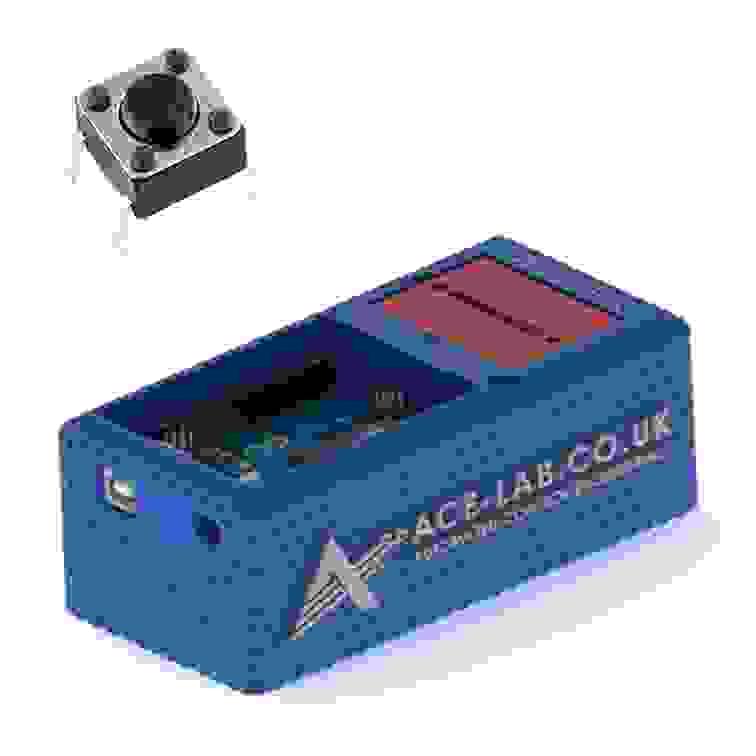
Tactile Button Switch
Use a tactile pushbutton as a momentary input to trigger actions from your deployed Simulink model.
MMeasurement Labs involving the ACE-Lab (Base + Sense)
M1
Base + Sense
Estimated time: 0.5 hour
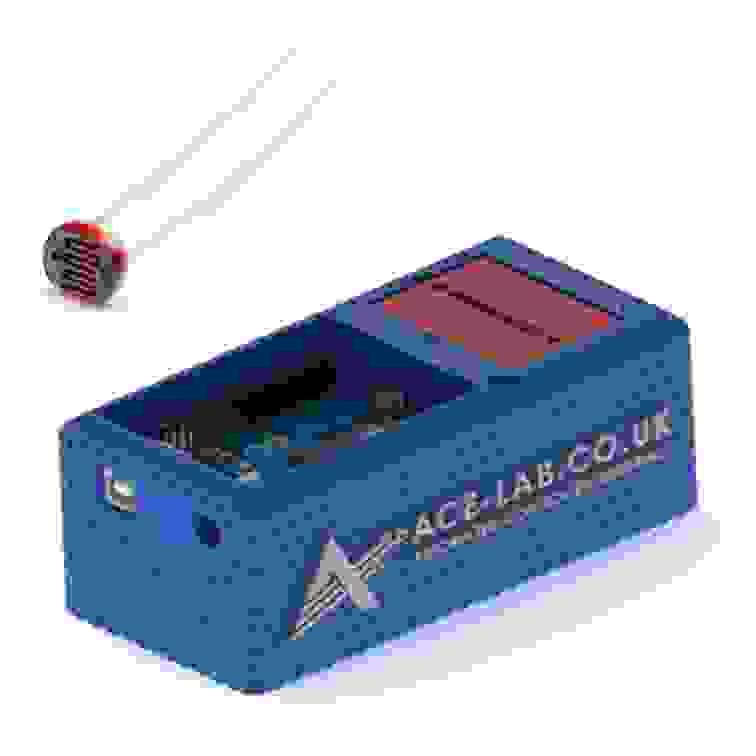
LDR (Light Dependent Resistor)
Measure light level using an LDR voltage divider and scale the analogue signal for control or monitoring in Simulink.
M2
Base + Sense
Estimated time: 0.5 hour
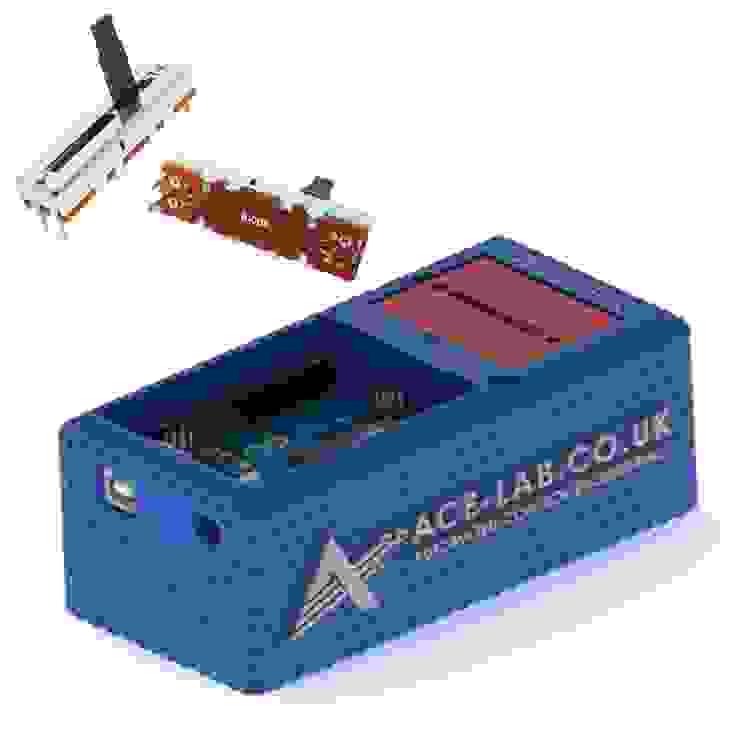
Slide Potentiometer
Read a slider potentiometer via ADC, scale the signal, and map it to a useful control range in Simulink.
M3
Base + Sense
Estimated time: 1 hour
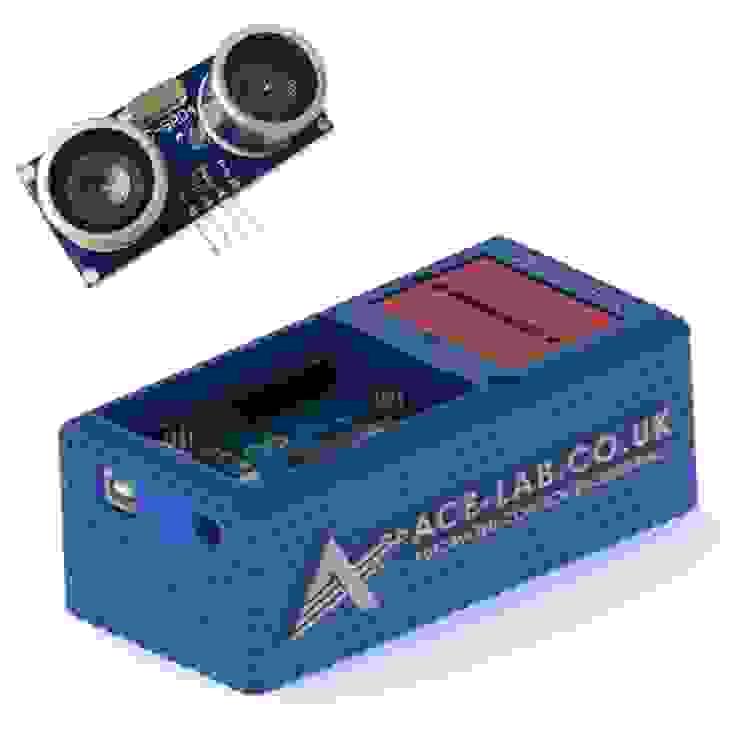
Ultrasonic Sensor (Distance)
Measure distance with an HC-SR04 ultrasonic sensor and improve reliability with simple filtering logic.
M4
Base + Sense
Estimated time: 1 hour
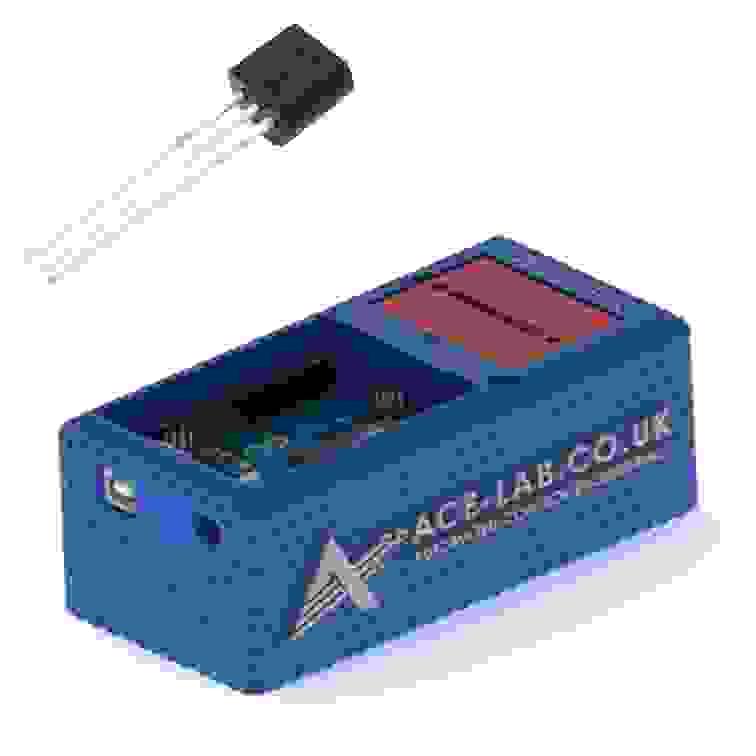
Temperature Sensor
Acquire analogue temperature data, apply calibration, and smooth readings using basic filtering in Simulink.
AActuator Labs involving the ACE-Lab (Base + Sense, Actuate)
A1
ACE-Lab (Base + Sense + Actuate)
Estimated time: 0.5 hour
DC Motor Polarity Control
Control DC motor direction safely by switching polarity using the ACE-Lab actuation hardware.
A2
ACE-Lab (Base + Sense + Actuate)
Estimated time: 1 hour
DC Motor Speed Measurement using an Encoder
Measure DC motor speed from encoder feedback, calculate RPM, and validate sampling in Simulink.
A3
ACE-Lab (Base + Sense + Actuate)
Estimated time: 1 hour
DC Motor Cooling Fan
Drive a DC motor cooling fan using PWM and explore airflow actuation for temperature and thermal-control applications.
Coming Soon
CControl System Labs involving the ACE-Lab (Base + Sense, Actuate)
C1
ACE-Lab (Base + Sense + Actuate)
Estimated time: 1 hour
DC Motor PI Speed control
Close the loop on DC motor speed using PWM and a tuned PI controller.
C2
ACE-Lab (Base + Sense + Actuate)
Estimated time: 1 hour
DC Motor PD Angle Control
Control DC motor shaft angle using position feedback and a tuned PD controller.
Coming Soon
C3
ACE-Lab (Base + Sense + Actuate)
Estimated time: 1 hour
Servomotor Angle Control
Command and tune precise servo angle tracking using position feedback.
Coming Soon
C4
ACE-Lab (Base + Sense + Actuate)
Estimated time: 1 hour
Servomotor Frequency Response
Measure how a servomotor responds to sinusoidal commands across frequency.
Coming Soon
No matching items found. Try a different search term.