

Instructions to Install MATLAB and Simulink
Instruction for installing MATLAB and Simulink (2025b version is used on this website) are provided here.
Step 1
Visit the following website:
https://matlab.mathworks.com/Click on ‘Sign In’ (you will have signed up if you completed the OnRamp courses).
Step 2
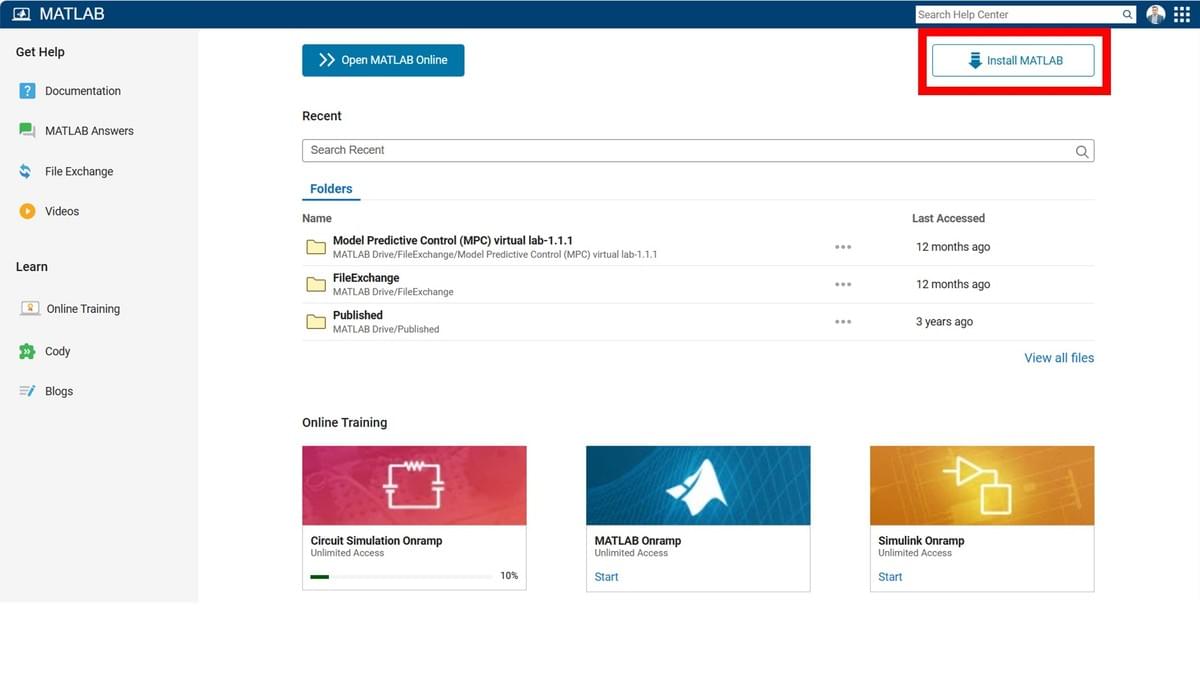
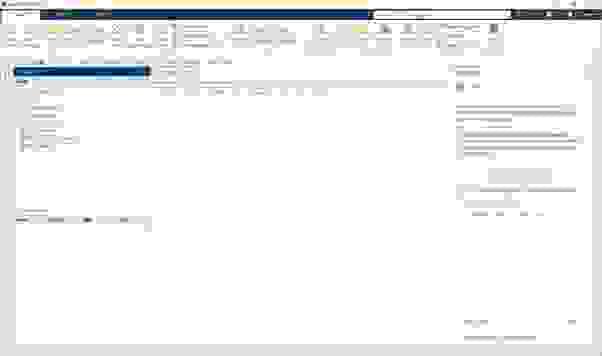
Once you have signed-in, you will have the following portal available to you. You will notice that your OnRamp course progress is located here (you may have already come across this page)
In the top right, there is a tab called 'Install MATLAB', you should click on this.
Step 3
The steps to install MATLAB 2025b (or whatever version you decide to go with) are self-explanatory so full details are not given here. However be sure to select the following packages when installing the software (you may also be propted to install other packages - agree to these):
- MATLAB
- Simulink
- Control System Toolbox
- Embedded Coder
- MATLAB Coder
- MATLAB Compiler
- MATLAB Compiler SDK
- MATLAB Report Generator
- MATLAB Test
- Simscape
- Simscape driveline
- Simscape Electrical
- Simulink Check
- Simulink Code Inspector
- Simulink Coder
- Simulink Complier
- Simulink Control Design
- Simulink Desktop Real-Time
- Simulink Real-Time
- Simulink Report Generator
- Simulink Test
- Stateflow
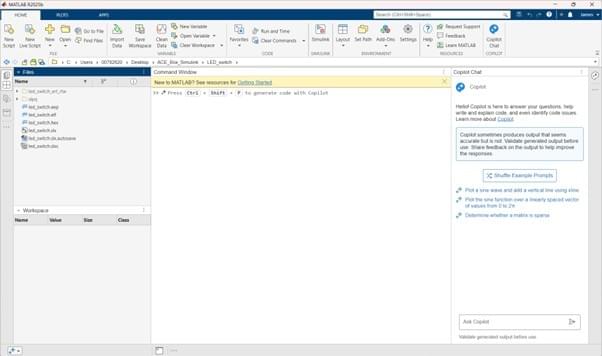
Once complete, you will now have access to MATLAB and Simulink!