
- Suggested Learning Resources
- ACE-Lab Shop
- …
- Suggested Learning Resources
- ACE-Lab Shop
- Suggested Learning Resources
- ACE-Lab Shop
- …
- Suggested Learning Resources
- ACE-Lab Shop
Fundamental Labs involving the ACE-Box (Base + Sense)
These hands-on activities require the ACE-Box (Base + Sense) and cover digital outputs, PWM, and switch inputs.
Get Access to an ACE-Box (Base + Sense)Need an ACE-Box (Base + Sense) before starting the hardware exercises?
The ACE-Box (Base + Sense) is the physical platform used for the hands-on MATLAB and Simulink activities below. You can request 3D-print STL files and a parts list, book a free set-up consultation, or order a ready-to-use Base + Sense kit.
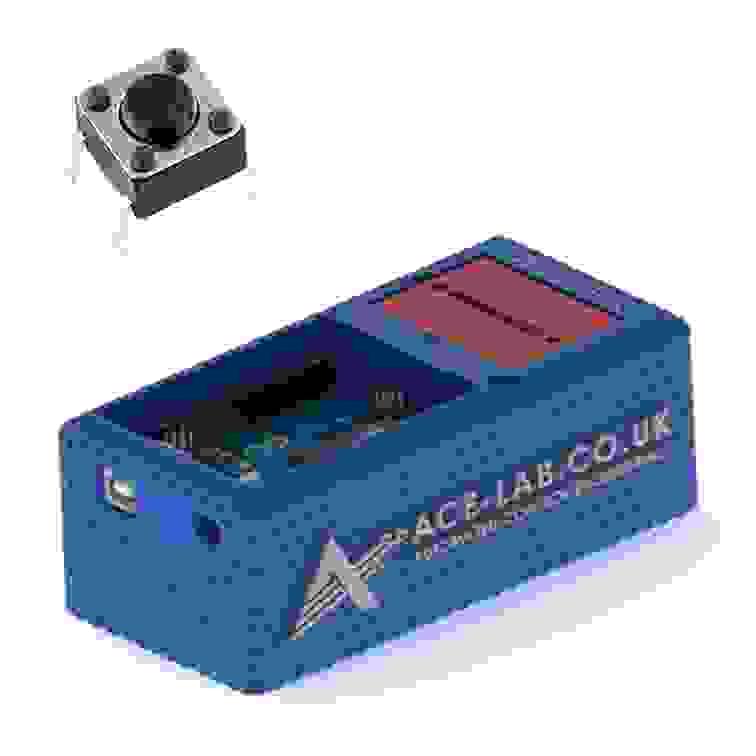
Example Fundamental Lab: Tactile Button Switch
Showing 0 of 0 itemsNo matchesTry a different keyword.Fundamental Labs involving the ACE-Box (Base + Sense)
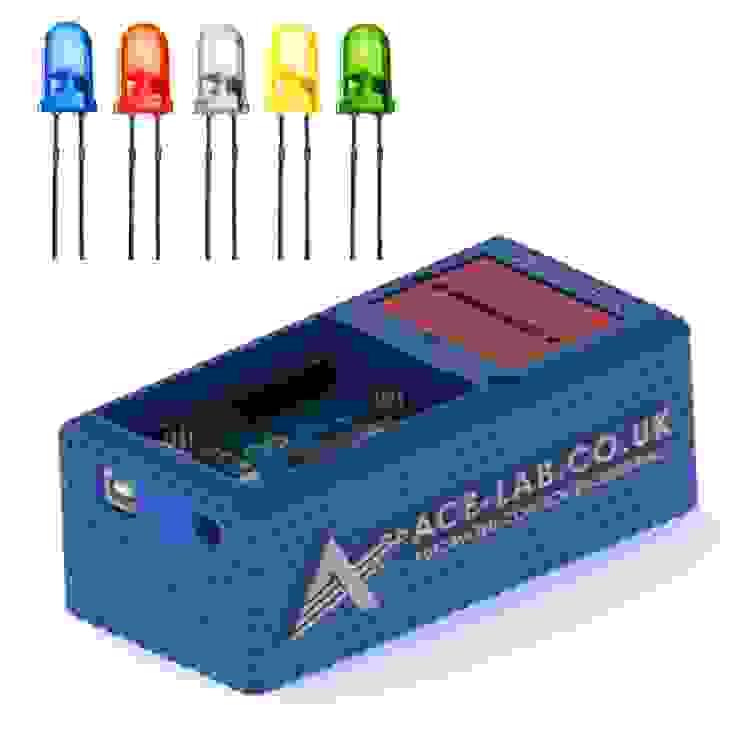
Base + SenseEstimated time: 0.5 hourLED (Digital)
Create a simple Simulink model to switch an LED on/off via a digital output and deploy it to Arduino.
Base + SenseEstimated time: 0.5 hourLED (PWM)
Adjust LED brightness by generating a PWM signal in Simulink and deploying it to Arduino.
Base + SenseEstimated time: 0.5 hourOn/Off Power Switch
Add a physical on/off switch and verify reliable switching behaviour in the circuit and Simulink workflow.
Base + SenseEstimated time: 0.5 hourTactile Button Switch
Use a tactile pushbutton as a momentary input to trigger actions from your deployed Simulink model.
Advancing automatic control engineering (ACE) education through global collaboration