
thumbnail image

  • Home
  • About 
    • Mission
    • Global Community
    • Workshops
    • Updates
  • ACE-Apply 
    • Quanser QCar2
  • ACE-Lab Resources 
    • ACE-Lab (Tools)
    • ACE-CORE (Processes)
  • …  
    • Home
    • About 
      • Mission
      • Global Community
      • Workshops
      • Updates
    • ACE-Apply 
      • Quanser QCar2
    • ACE-Lab Resources 
      • ACE-Lab (Tools)
      • ACE-CORE (Processes)
Contact

  • Home
  • About 
    • Mission
    • Global Community
    • Workshops
    • Updates
  • ACE-Apply 
    • Quanser QCar2
  • ACE-Lab Resources 
    • ACE-Lab (Tools)
    • ACE-CORE (Processes)
  • …  
    • Home
    • About 
      • Mission
      • Global Community
      • Workshops
      • Updates
    • ACE-Apply 
      • Quanser QCar2
    • ACE-Lab Resources 
      • ACE-Lab (Tools)
      • ACE-CORE (Processes)
Contact
  • ACE-Lab Exercise Library

    Lab shortcuts

    Prior Exercises Fundamental Labs Measurement Labs Actuator Labs Control System Labs
    Showing 0 of 0 items
    No matches
    Try a different keyword.
    Prior Exercises
    MATLAB and Simulink logo
    Prior Exercises
    Estimated time: 2 hours

    MATLAB OnRamp

    Build core MATLAB skills for engineering work: commands, scripts, arrays, plotting, and basic programming.

    Open Course
    MATLAB and Simulink logo
    Prior Exercises
    Estimated time: 2 hours

    Simulink OnRamp

    Learn Simulink basics for model-based workflows: blocks, signals, scopes, and simulation.

    Open Course
    MATLAB and Simulink logo
    Prior Exercises
    Estimated time: 0.5 hours

    Install MATLAB and Simulink

    Install and verify MATLAB/Simulink for ACE-Box labs, including licensing and key toolboxes.

    Follow Steps
    MATLAB and Simulink logo
    Prior Exercises
    Estimated time: 1 hour

    Additional Exercises

    Quick refreshers on the MATLAB/Simulink interface to speed up your workflow.

    View Here
    MATLAB and Simulink logo
    Prior Exercises
    Estimated time: 0.5 hours

    Install Simulink Code Generation

    Install the Arduino support package so you can generate code and deploy Simulink models to hardware.

    Follow Steps
    ↑ Back to top
    Fundamental Labs involving the ACE-Box (Base + Sense)
    Base + Sense
    Estimated time: 0.5 hour

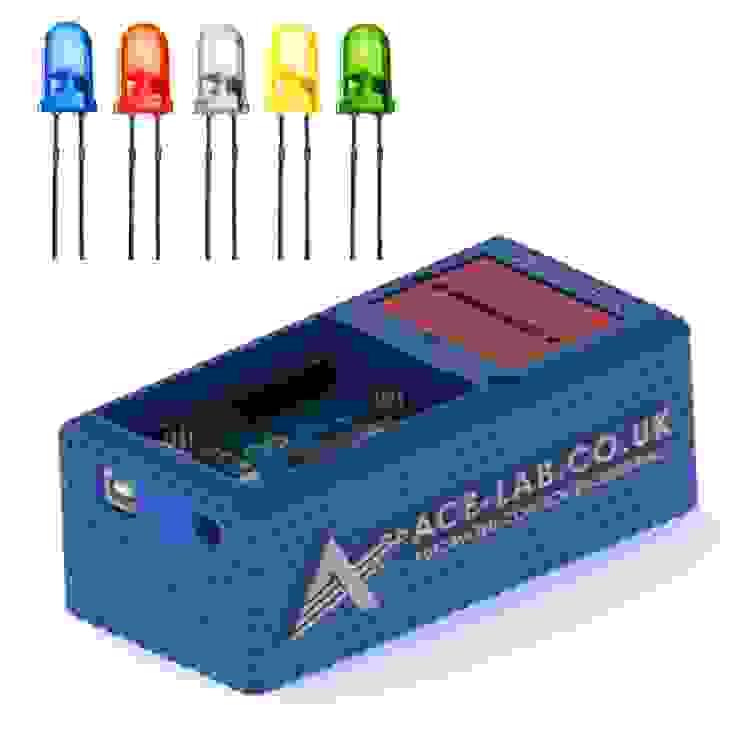
    LED (Digital)

    Create a simple Simulink model to switch an LED on/off via a digital output and deploy it to Arduino.

    Open Exercise
    Base + Sense
    Estimated time: 0.5 hour

    LED (PWM)

    Adjust LED brightness by generating a PWM signal in Simulink and deploying it to Arduino.

    Open Exercise
    Base + Sense
    Estimated time: 0.5 hour

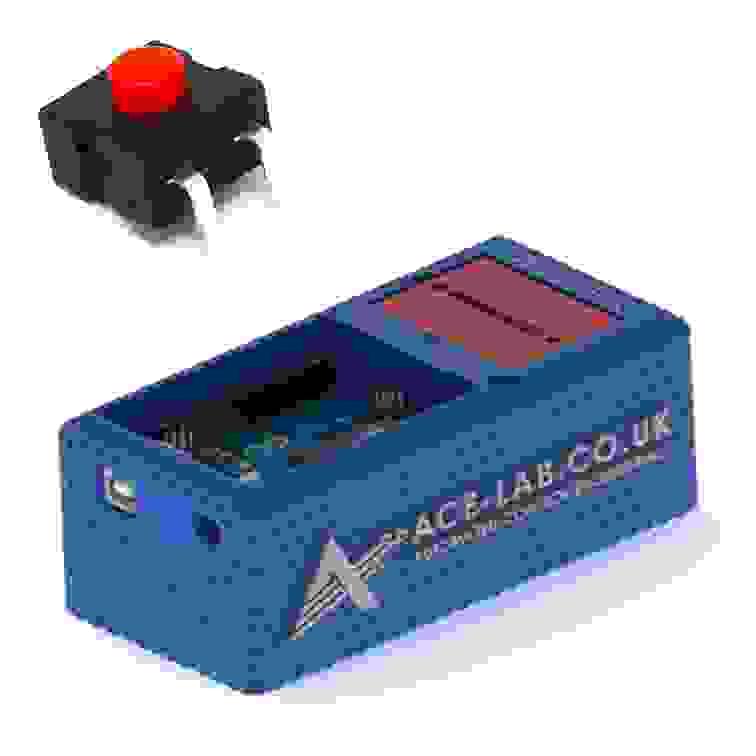
    On/Off Power Switch

    Add a physical on/off switch and verify reliable switching behaviour in the circuit and Simulink workflow.

    Open Exercise
    Base + Sense
    Estimated time: 0.5 hour

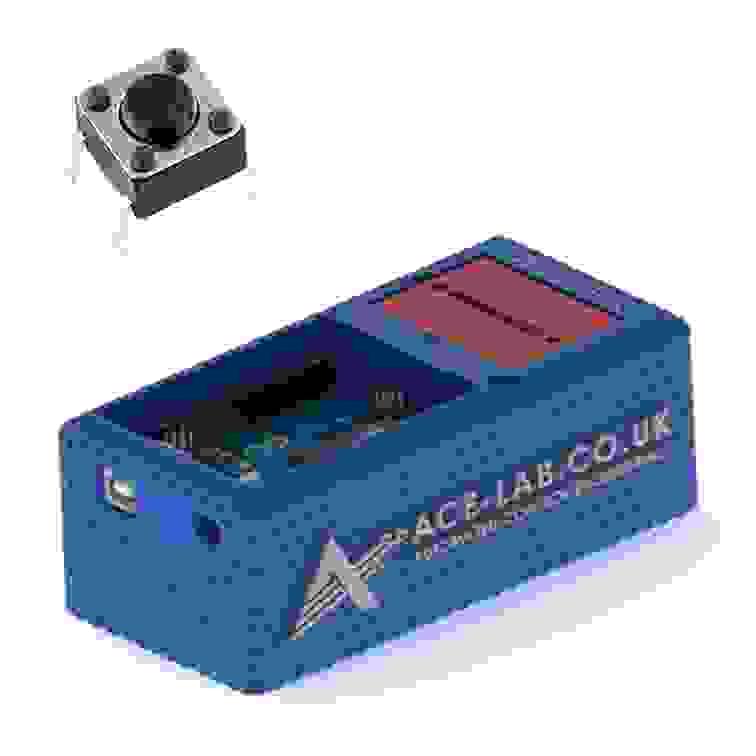
    Tactile Button Switch

    Use a tactile pushbutton as a momentary input to trigger actions from your deployed Simulink model.

    Open Exercise
    ↑ Back to top
    Measurement Labs involving the ACE-Box (Base + Sense)
    Base + Sense
    Estimated time: 0.5 hour

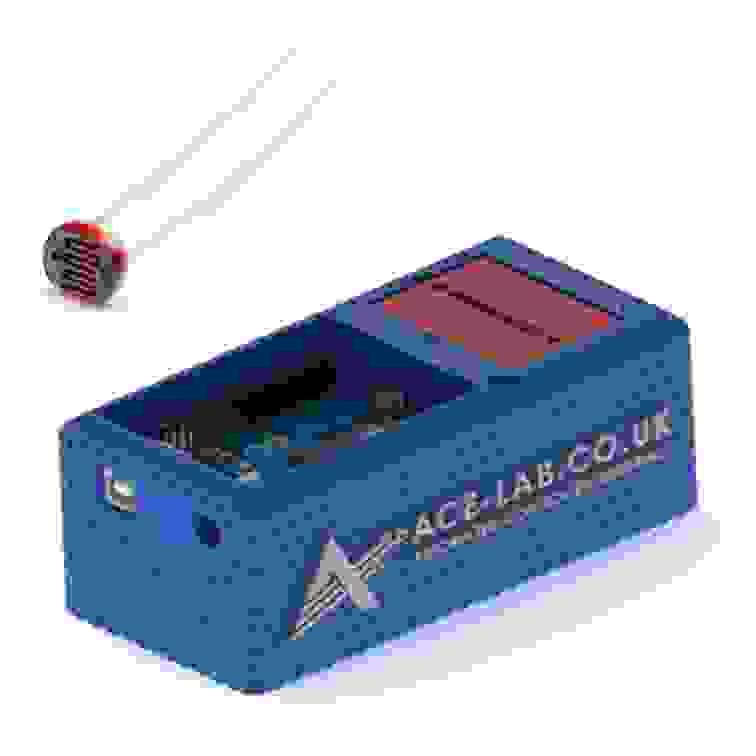
    LDR (Light Dependent Resistor)

    Measure light level using an LDR voltage divider and scale the analogue signal for control or monitoring in Simulink.

    Open Exercise
    Base + Sense
    Estimated time: 0.5 hour

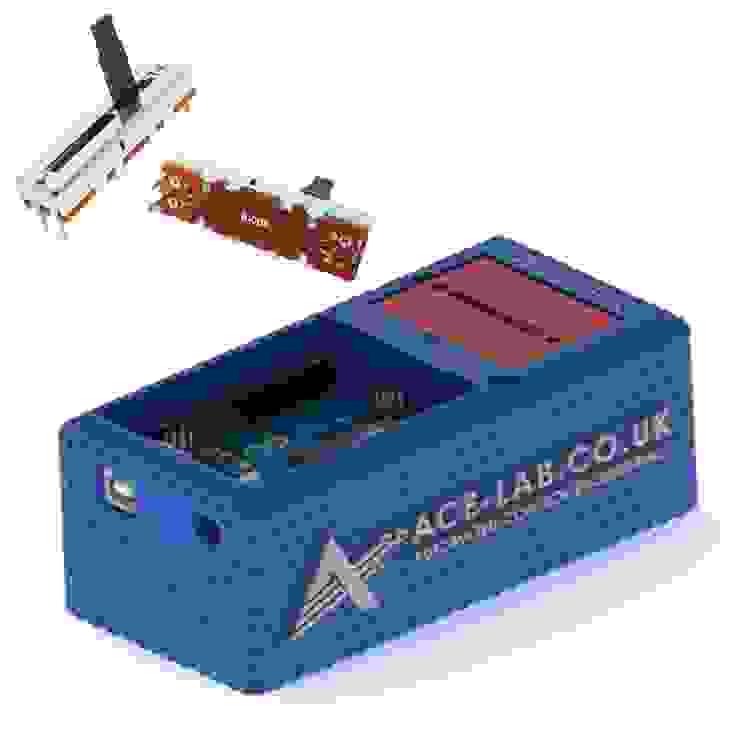
    Slide Potentiometer

    Read a slider potentiometer via ADC, scale the signal, and map it to a useful control range in Simulink.

    Open Exercise
    Base + Sense
    Estimated time: 1 hour

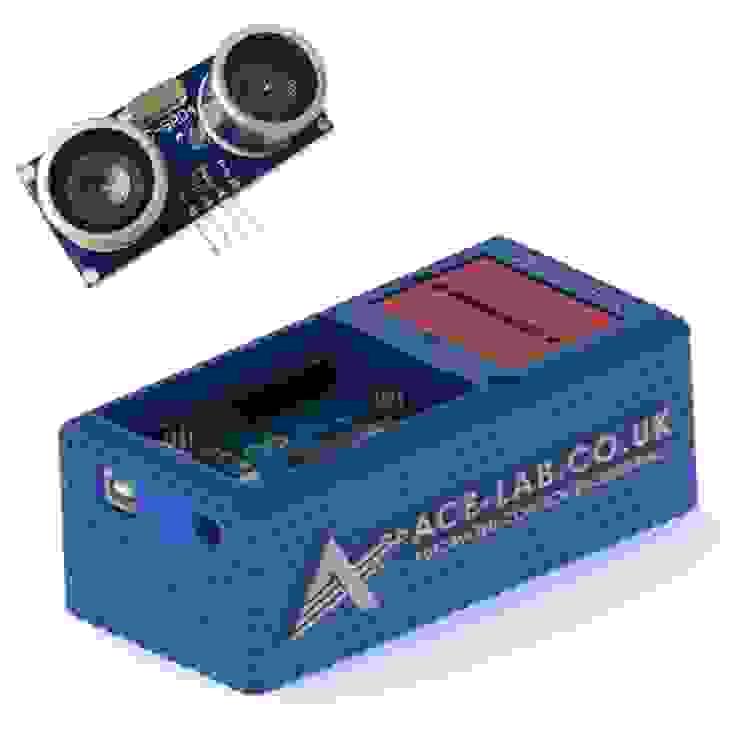
    Ultrasonic Sensor (Distance)

    Measure distance with an HC-SR04 ultrasonic sensor and improve reliability with simple filtering logic.

    Open Exercise
    Base + Sense
    Estimated time: 1 hour

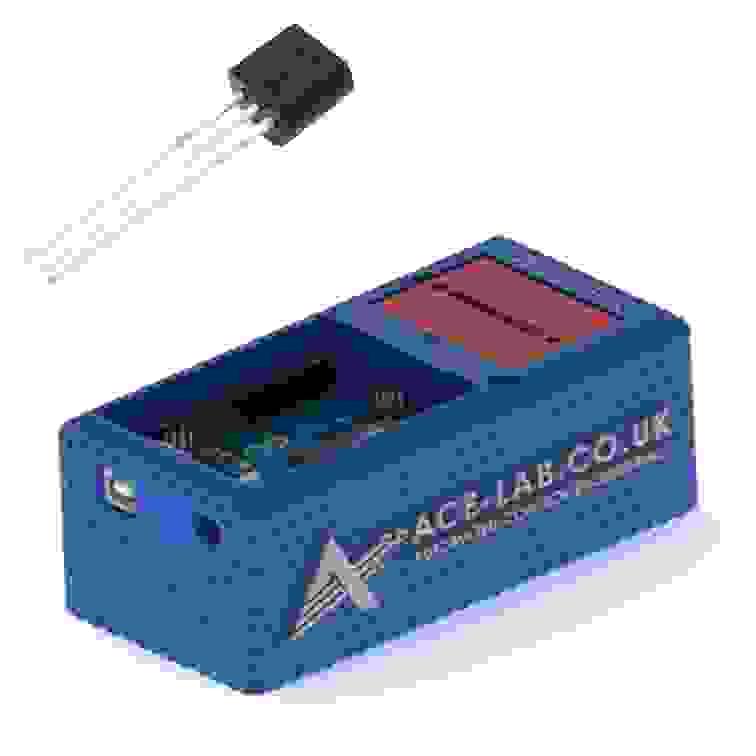
    Temperature Sensor

    Acquire analogue temperature data, apply calibration, and smooth readings using basic filtering in Simulink.

    Open Exercise
    ↑ Back to top
    Actuator Labs involving the ACE-Box (Base + Sense, Actuate)
    ACE-Box Base + Sense + Actuate thumbnail
    ACE-Box (Base + Sense + Actuate)
    Estimated time: 0.5 hour

    DC Motor Polarity Control

    Control DC motor direction safely by switching polarity using the ACE-Box actuation hardware.

    Open Lab
    ACE-Box Base + Sense + Actuate thumbnail
    ACE-Box (Base + Sense + Actuate)
    Estimated time: 1 hour

    DC Motor Speed Measurement using an Encoder

    Measure DC motor speed from encoder feedback, calculate RPM, and validate sampling in Simulink.

    Open Lab
    ACE-Box Base + Sense + Actuate thumbnail with DC cooling fan
    ACE-Box (Base + Sense + Actuate)
    Estimated time: 1 hour

    DC Motor Cooling Fan

    Drive a DC motor cooling fan using PWM and explore airflow actuation for temperature and thermal-control applications.

    Coming Soon
    ↑ Back to top
    Control System Labs involving the ACE-Box (Base + Sense, Actuate)
    ACE-Box Base + Sense + Actuate thumbnail
    ACE-Box (Base + Sense + Actuate)
    Estimated time: 1 hour

    DC Motor PI Speed control

    Close the loop on DC motor speed using PWM and a tuned PI controller.

    Open Lab
    ACE-Box DC motor angle control thumbnail
    ACE-Box (Base + Sense + Actuate)
    Estimated time: 1 hour

    DC Motor PD Angle Control

    Control DC motor shaft angle using position feedback and a tuned PD controller.

    Coming Soon
    Servomotor Angle Control ACE-Box lab thumbnail with servomotor
    ACE-Box (Base + Sense + Actuate)
    Estimated time: 1 hour

    Servomotor Angle Control

    Command and tune precise servo angle tracking using position feedback.

    Coming Soon
    Servomotor Frequency Response ACE-Box lab thumbnail with servomotor
    ACE-Box (Base + Sense + Actuate)
    Estimated time: 1 hour

    Servomotor Frequency Response

    Measure how a servomotor responds to sinusoidal commands across frequency.

    Coming Soon

Terms and Conditions Returns & Refunds Privacy Policy

Powered By
Cookie Use
We use cookies to ensure a smooth browsing experience. By continuing we assume you accept the use of cookies.
Learn More